Introduction: What Is a Bitcoin Wallet?
A Bitcoin wallet is a tool that allows you to store, send, and receive Bitcoin.
Unlike traditional wallets, a Bitcoin wallet does not store physical coins. Instead, it holds your private keys — the cryptographic secrets that prove ownership of your Bitcoin on the blockchain.
If you lose access to your private keys, you lose access to your Bitcoin.
This is why choosing the right wallet and securing it properly is one of the most important steps for every Bitcoin user.
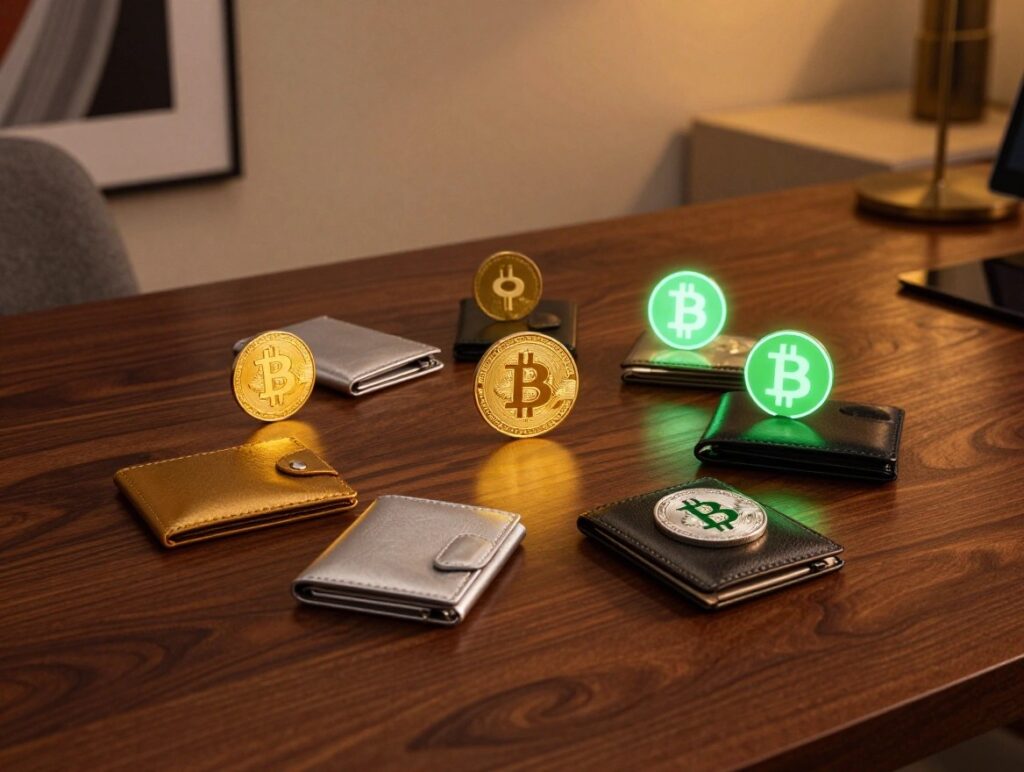
How Bitcoin Wallets Work
Bitcoin wallets function through two key components:
✔ Public Key / Bitcoin Address
This is your receiving address. You can safely share it with anyone who wants to send you Bitcoin.
✔ Private Key / Seed Phrase
This must remain secret.
Anyone who has your private key or seed phrase has full control over your Bitcoin.
Most modern wallets use a 12–24 word seed phrase (also called a recovery phrase).
This phrase can restore your wallet across multiple devices, so you must store it offline and never share it with anyone.
Types of Bitcoin Wallets
Bitcoin wallets come in several categories, each with different use cases, levels of security, and features. Below is a complete breakdown:
1. Hardware Wallets (Cold Wallets)
Best for: Long-term storage and high security
Hardware wallets store your private keys offline in a dedicated physical device.
This makes them immune to malware, viruses, and most online attacks.
Popular hardware wallets:
- Ledger Nano S Plus
- Ledger Nano X
- Trezor Model One
- Trezor Model T
- BitBox02
Pros:
- Highest security level
- Offline storage
- Resistant to hacking
- Ideal for large amounts of Bitcoin
Cons:
- Costs money
- Requires handling a physical device
- Not ideal for frequent daily transactions
2. Software Wallets (Hot Wallets)
Best for: Everyday use and quick access
These wallets run as apps on your phone or computer.
They are easy to use but are connected to the internet, making them more vulnerable than hardware wallets.
Popular software wallets:
- Exodus
- Electrum
- BlueWallet
- Muun
- Atomic Wallet
Pros:
- Free
- Easy to use
- Fast transfers
- Convenient for beginners
Cons:
- More vulnerable to malware
- Depends on device security (phone/computer)
3. Mobile Bitcoin Wallets
Mobile wallets are a type of software wallet optimized for smartphones.
They are ideal for small amounts of BTC used on-the-go.
Recommended mobile wallets:
- BlueWallet (iOS/Android)
- Muun
- Phoenix Wallet
- Wallet of Satoshi
Pros:
- Very convenient
- QR code compatibility
- Great for day-to-day Bitcoin payments
Cons:
- Vulnerable if your phone is compromised
- Not ideal for large savings
4. Desktop Wallets
Desktop wallets run on Mac, Windows, or Linux computers.
Popular desktop wallets:
- Electrum
- Sparrow Wallet
- Bitcoin Core (full node)
Pros:
- More control compared to mobile wallets
- Advanced features
- Open-source options
Cons:
- Computer malware risk
- Not portable
5. Web Wallets
Web wallets are online platforms accessed via browser.
They are the least secure form of storage, but convenient for quick login.
Common examples:
- Blockchain.com Wallet
- Coinbase Wallet (not the exchange account)
Pros:
- Easy access from any device
- Beginner friendly
Cons:
- Highest risk of phishing
- You depend on third-party servers
6. Paper Wallets
A paper wallet is simply your private key or seed phrase written on paper.
It’s a form of cold storage, but modern security standards generally discourage using paper wallets due to common mistakes and printing risks.
Pros:
- Fully offline
- No digital attack surface
Cons:
- Easy to lose or damage
- Difficult for beginners
- Not recommended for active use
Custodial vs. Non-Custodial Wallets
Non-Custodial Wallets (You control your keys)
Examples: Electrum, BlueWallet, Ledger, Trezor
- You own your private keys
- Full control over your Bitcoin
- Recommended for privacy and security
Phrase to remember:
👉 “Not your keys, not your Bitcoin.”
Custodial Wallets (Someone else holds your keys)
Examples: Freebitco.in, exchanges, some online services
- You do not control your private keys
- Convenient and easy
- Higher risk if the provider is hacked
Custodial wallets are okay for beginners or micro-earnings, but not for long-term storage.
How to Choose the Right Bitcoin Wallet
Your choice depends on how you plan to use Bitcoin:
| Use Case | Best Wallet Type |
|---|---|
| Long-term savings | Hardware wallet |
| Daily spending | Mobile wallet |
| Trading | Exchange + non-custodial backup |
| Privacy-focused use | Electrum / Sparrow |
| Passive earning | Custodial wallet like Freebitco.in (small amounts only) |
How to Secure Your Bitcoin Wallet
✔ Store your seed phrase offline
Write it on paper or metal. Never store it in your phone or cloud.
✔ Never share your private keys
Not with friends, not with support teams, not with anyone.
✔ Use strong passwords
Especially on software wallets and exchanges.
✔ Enable 2FA where available
This adds an extra layer of security.
✔ Beware of phishing
Always double-check URLs and never click suspicious links.
Why Wallet Security Matters
Bitcoin transactions are irreversible.
If you lose your private keys or fall victim to a scam, no bank or company can restore your funds.
This makes secure storage the absolute foundation of smart Bitcoin ownership.
Conclusion
A Bitcoin wallet is essential for anyone who wants to store or use Bitcoin safely.
Whether you choose a hardware wallet for maximum security or a mobile wallet for convenience, the most important rule is:
👉 Always keep your private keys and seed phrase safe.
Understanding Bitcoin wallets—and choosing the right one for your needs—is a key step toward becoming a confident and responsible Bitcoin user.